

The Ultimate Guide to Zimbra Productivity Add-ons for Corporate Success
What is Zimbra Productivity Add-ons?
Integrating tailored zimbra productivity add-ons enables modern companies to transform standard business email accounts into centralized, high-efficiency task environments.
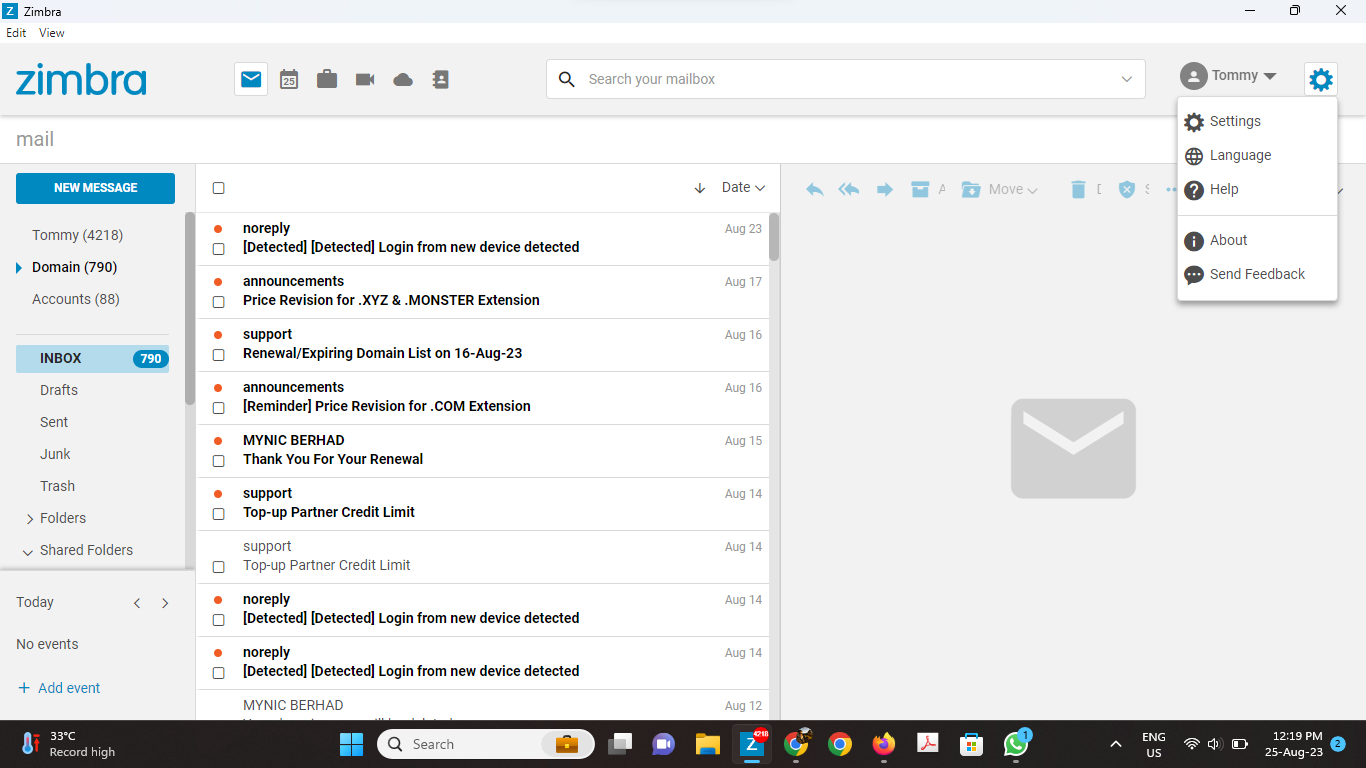
This software suite consists of native system expansions, desktop client modules, and structural patches – including tools like Zimbra Desktop – designed to streamline communication management.
By utilizing these targeted tools, scaling companies can optimize user workflows, secure local file backups, and maintain offline database access without switching between disjointed applications.
The Core Mechanics / Framework
The framework of these efficiency enhancements bridges the gap between client-side execution and back-end server optimization. Its operational layout focuses on these critical functional components:
- Zimbra Desktop Offline Engine: This localized core tool allows corporate users to read, organize, and compose business emails completely offline, automatically re-syncing data once an active network connection is established.
- Granular Auto-Archiving System: The backend framework automatically relocates messages older than 30 days into dedicated local local storage systems, keeping primary server mailboxes lean and optimizing database storage costs.
- Native S/MIME Encryption Layers: Security extensions apply public-key cryptography directly to individual messages, providing end-to-end encryption and digital signatures to confirm the authenticity of outbound corporate mail.
- Unified File Import Frameworks: This architecture supports mass migration tools, enabling administrators to import legacy contacts, calendar files, and mail folders directly into the responsive user interface.
- Extensible Custom Zimlets: The software uses modular code blocks to form API bridges with modern collaboration platforms (like Zoom and Slack) directly from inside the mail navigation pane.
Why This Matters to Malaysian Corporations
1. Guaranteed Legal Alignment with Malaysia’s PDPA Directives
Unregulated data storage on fragmented third-party utilities leaves local corporate communications highly vulnerable. Deploying verified zimbra productivity add-ons like S/MIME encryption and local backup frameworks keeps sensitive client correspondence under your direct corporate authority. This precise, auditable control ensures complete compliance with data protection policies outlined by Malaysia’s Personal Data Protection Act (PDPA).
2. Neutralizing Regional Internet Outages and Network Risks
Unstable network infrastructure often cripples cloud-dependent businesses in expanding enterprise zones like Selangor. Utilizing offline-ready zimbra productivity add-ons ensures that your local workforce can safely access critical business histories, draft documents, and plan calendars without an active internet link. This capability eliminates unexpected workflow interruptions and isolates operations from unexpected service provider downtime.
3. Eliminating Hidden Server Storage Fees for Growing Firms
As commercial data grows, public cloud hosting providers frequently impose escalating charges for expanded mailbox storage tiers. Implementing automated archiving zimbra productivity add-ons allows organizations to offload historical data assets from premium server volumes automatically. This strategic maintenance controls operational overhead while keeping corporate server speeds operating at peak efficiency.
Secure Your Digital Estate with Cloudhappen
Scaling your communication networks requires a reliable IT engineering partner with verified local experience. Cloudhappen Global Sdn Bhd, operating out of Kuala Lumpur, Malaysia, provides secure deployment, server hosting, and maintenance services designed specifically for local enterprise demands.
Whether your business needs specialized zimbra productivity add-ons, server optimization, or a planned migration to Microsoft 365 (M365), our team ensures complete data protection and zero operational downtime. Contact our corporate office in Malaysia today to enhance your corporate messaging environment.
Frequently Asked Questions (FAQ)
Do Zimbra Productivity Add-ons support both Windows and Mac OS environments?
Yes. Major client components like Zimbra Desktop are fully compatible with both Windows and Mac operating systems, ensuring an identical, highly stable workflow across multi-platform corporate networks.
How does the automated email archiving feature protect server space?
The module monitors storage durations and safely transfers messages older than 30 days off the live hosting server into secure local storage, reducing mailbox burdens while keeping older messages completely accessible.
Can these additions protect our emails from spoofing and tampering?
Yes. Built-in S/MIME security add-ons encrypt your outbound communications, verifying sender identities and protecting enterprise email contents from unauthorized third-party tampering.
Zimbra Desktop
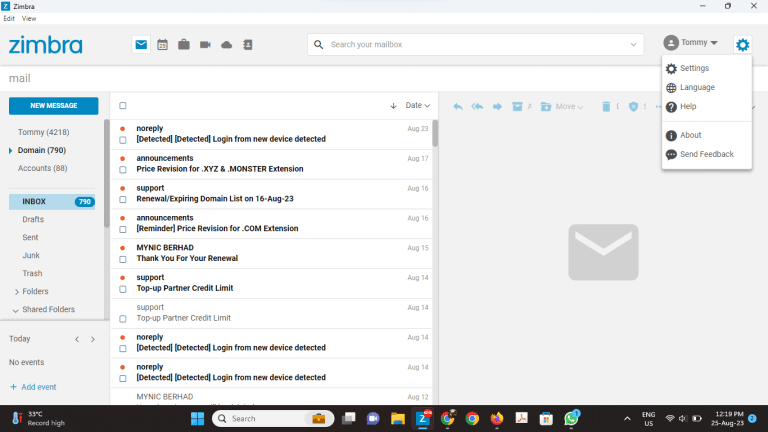
Zimbra Desktop is an email client system that is installed on your desktop where you can re-read your messages and compose new ones easily. You can access your email even when offline or when internet connection is limited.
It will automatically synchronize your emails and will be updated when you go online. Zimbra Desktop is available for both Windows and Mac OS.
Easily Import Your Existing Files
Migration of Zimbra is easy as your existing files are directly imported to your desktop. You can retrieve and use your files in minutes.
Auto Archive Emails to Save Space
No more worries about storage as Zimbra will auto-archive your email more than 30-days old on your desktop. You can also set auto-archiving preference that suits your convenience.
Send Email Securely
The S/MIME feature in Zimbra Desktop encrypts ypur outgoing email to guarantee security and privacy
Zimbra Desktop Download
Zimbra automatically synchronizes your emails even when offline, so your mailbox is updated when you go online. The latest release for Zimbra Desktop is now available for download.

Author